How to adapt your novel into a screenplay
A novel can spend a page inside someone’s head; a film has about two hours and only what it can show. Adapting your own book means deciding what the story really is, and then telling it again in a different language.
1. Find the spine
Write the story in one sentence: who wants what, and what stands in the way. Everything in the screenplay should serve that sentence. Subplots that don’t are the first candidates to cut, however much you love them.
2. Decide what to cut and merge
- Characters: two friends who do the same job in the story can often become one.
- Subplots: keep the one or two that change the main story.
- Time: a story spread over years may need fewer jumps, or one clear device (a title card, a season) to mark them.
A feature script runs roughly 90 to 120 pages, about one page per minute. A 400-page novel won’t fit unchanged.
3. Turn thoughts into actions
The biggest change is interior life. “She doubted him” has to become something we see: she checks his story with someone else, she hides the letter, she doesn’t answer. Voice-over can carry a few moments, but a script built on it often feels like a book read aloud.
4. Rebuild chapters as scenes
Go through the novel chapter by chapter and list the scenes: one place, one moment, something changing. Then ask of each scene: does it move the spine forward? Can two scenes become one? Where can we enter later and leave earlier?
5. Tighten the dialogue
Book dialogue can be long and explanatory because the narration supports it. Screen dialogue is shorter and leaves more unsaid. Read every speech aloud; cut the lines that explain what the scene already shows.
6. Write, then compare
Write the first draft without the book open. Then read the two side by side and look for what you lost that the story needs, and bring only that back.
Adapting in Storywriting
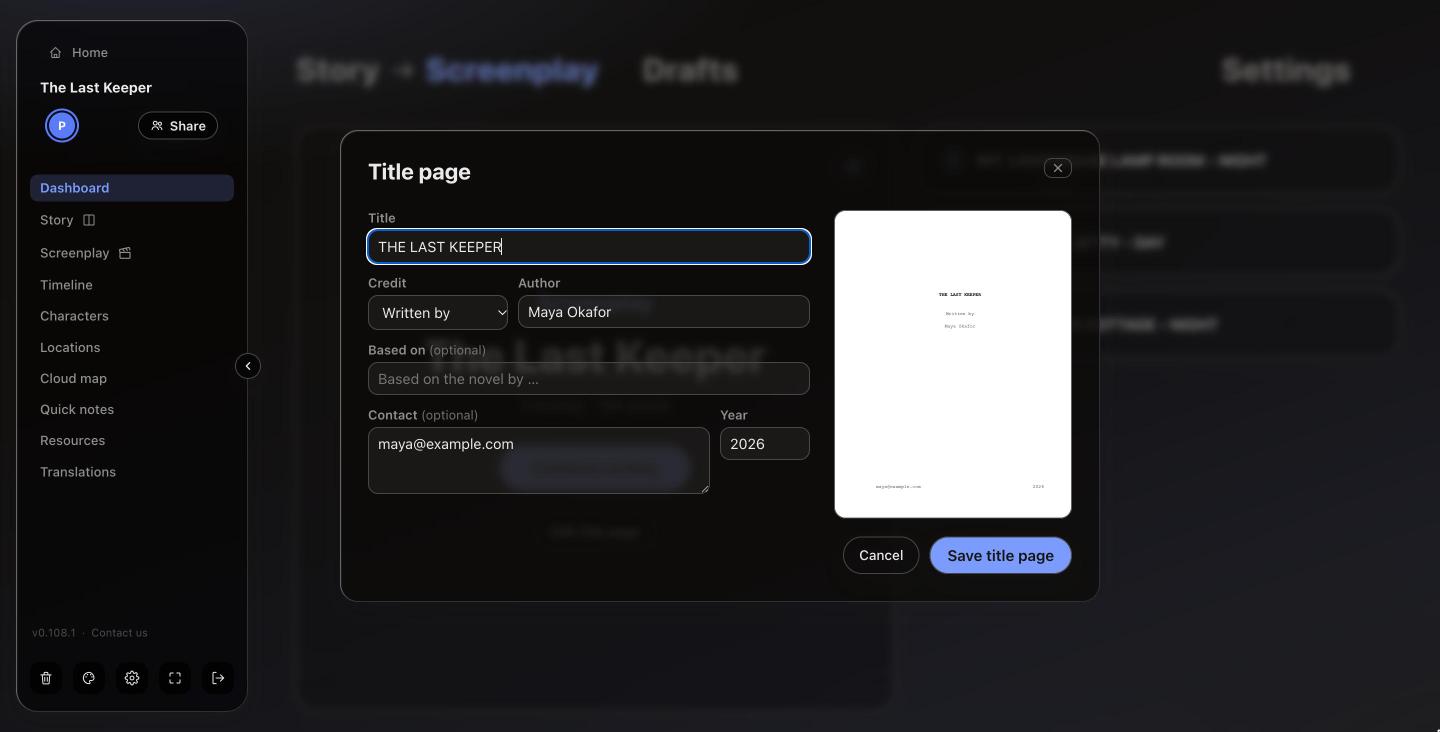
A Storywriting project can hold both a story and a screenplay. Start the screenplay from the same project and everything around it is already there:
- The characters, locations, timeline and cloud maps are shared by both.
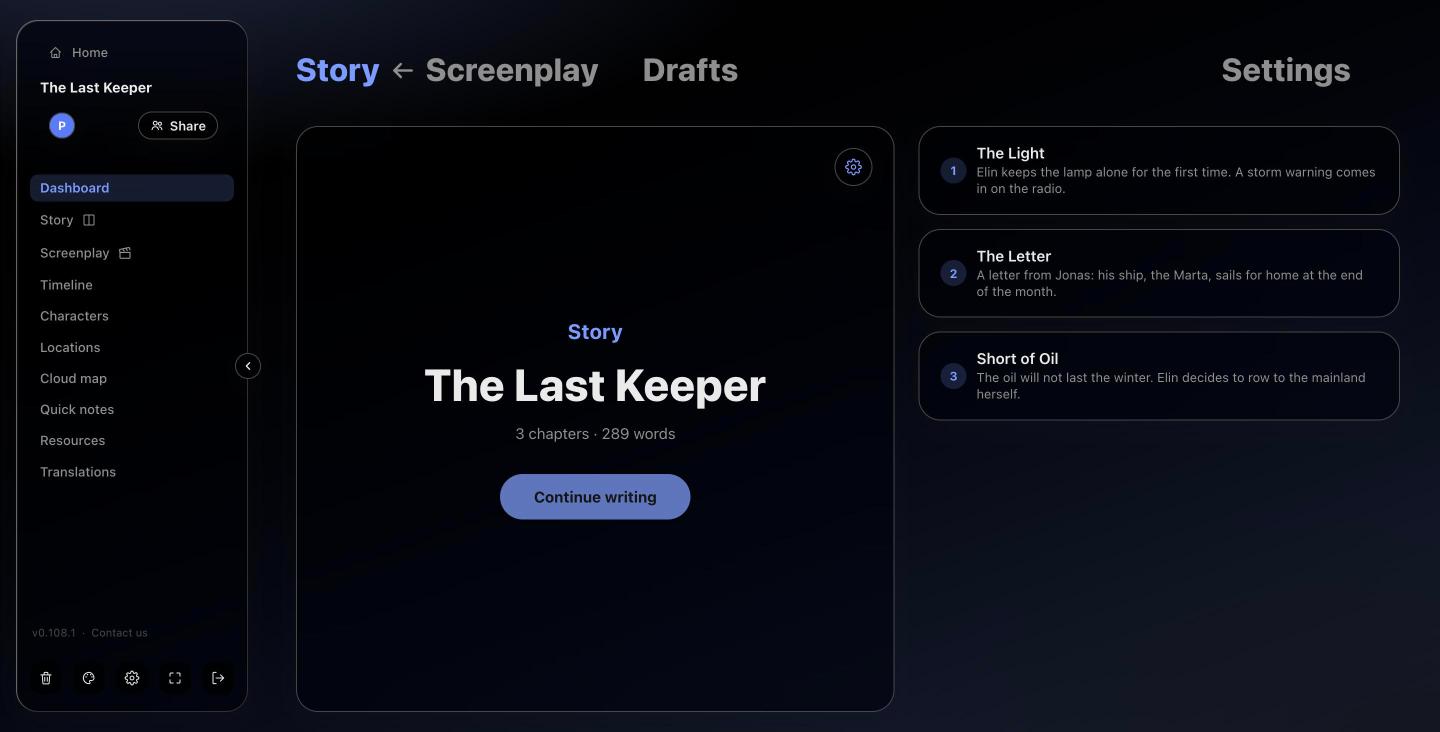
- The Dashboard switches between Story and Screenplay in one click, each with its own chapters or sequences.
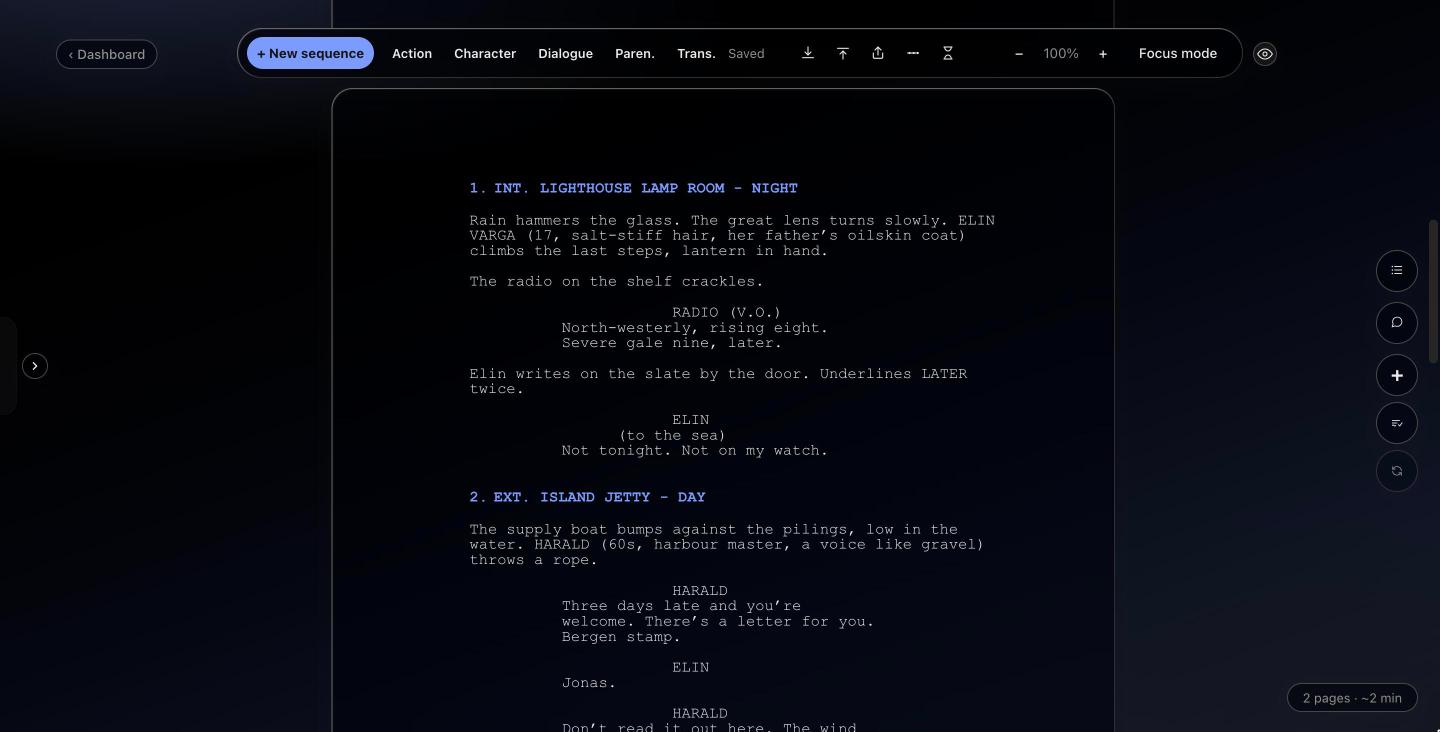
- Screenplay mode handles the format, and you can keep several screenplay drafts side by side.
Tip: link each scene’s key event on the timeline to its chapter in the novel. When you cut a subplot, you’ll see straight away what else it touched.